App Screenshots

| App Name | Kino - Pro Video Camera |
|---|---|
| Version | v1.3.2 |
| Last Updated | 9 February 2026 |
| Requires | iOS 17.0 or later |
| Category | Apps, Photo & Video |
| Size | 50.97 MB |
| Get from App Store |  |
| MOD Info | MOD FeaturesPremium UnlockedAccess all premium features, pro tools, and expert content without any subscription or in-app purchases.Unlimited LUT ImportsImport and use an unlimited number of custom LUTs from any source, instantly applying professional-grade color looks to elevate your videos effortlessly.All Grades UnlockedUnlock the full library of expert cinematic grades from pros like Stu Maschwitz and Evan Schneider, delivering movie-quality color with one tap for stunning results every time.No WatermarksRecord and export videos completely watermark-free, sharing professional footage directly to social media or clients without any branding overlays.Ad-Free ExperienceEnjoy a fully ad-free interface, keeping your focus on shooting cinematic video without interruptions or distractions.High-Speed ExportExport videos in 4K 120FPS and ProRes formats at maximum speed, saving hours of waiting so you can review and share your footage instantly.Infinite StorageBypass all storage limits with unlimited cloud backups and file management, organizing massive ProRes projects without running out of space.Advanced Pro Tools SuiteUnlock exclusive pro tools like enhanced focus peaking, custom waveforms, and AutoMotion tweaks, giving filmmakers total manual control for Hollywood-level precision. |
Are you tired of shooting regular videos that look flat and boring on your iPhone? Regular iPhone camera gives basic recording options and you cannot get that smooth film-like motion or cinematic color grading like professional filmmakers. Then Kino Pro Video Camera IPA comes as a perfect solution for you, that transforms your iPhone into a high-end professional video camera with just one tap.
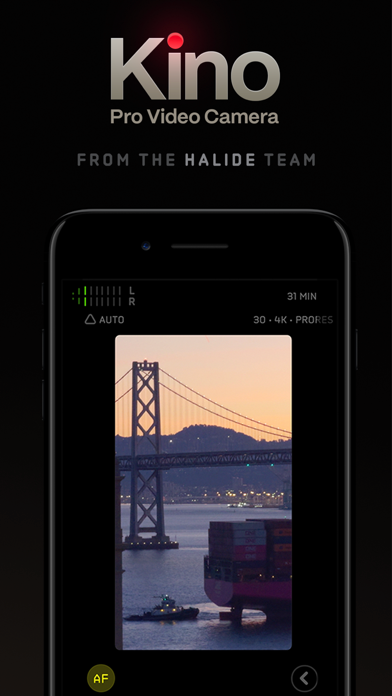
Kino Pro Video Camera is a premium professional video recording application for iPhone users, that was created and developed by Lux Optics Incorporated. The same team behind popular camera apps like Halide Camera and Spectre Camera. This powerful app won iPhone App of the Year 2024 award from Apple due to its amazing features and easy-to-use interface.
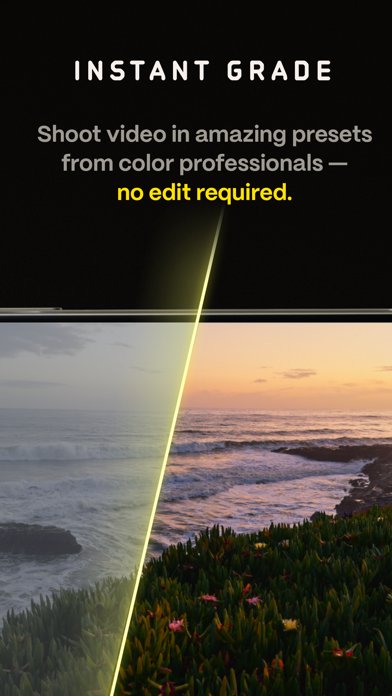
Kino transforms your regular iPhone into a professional filmmaking device with advanced manual controls for focus, exposure and white balance. The app lets you shoot cinematic videos with color presets created by expert filmmakers like Stu Maschwitz, Tyler Stalman, Evan Schneider and more professionals. You don’t need any film school training or expensive editing software, just press record and start creating Hollywood-style videos on your device.
Kino camera app download is a professional-grade video recording application that gives you full control over your iPhone camera. This app originally costs $9.99 on Apple App Store, but many users looking for kino pro video camera ipa free download version to access all premium features without paying.
Currently, Kino Pro Video Camera is only available for iPhone users running iOS 17 or higher versions. The app is not officially available for Android devices yet, so if you searching for kino pro video camera apk or kino camera app android versions, you need to wait for official Android release from developers.
In this post we provided working download links from trusted IPA sources like ipaomtk, IPAUniverse and more trusted stores. Kino Pro Video Camera IPA for Android is not available right now, but iPhone users can easily install the IPA file using Scarlet, TrollStore or Sideloadly methods.
Step.1) First of all, Tap on the Kino Pro Video Camera IPA Download button or Kino camera app icon from above to get the IPA file on your iPhone or iPad device.
Step.2) After downloading IPA file, you need to install Scarlet App or TrollStore or Esign installer on your iPhone device to sideload the IPA file.
Step.3) Once you installed the IPA installer app, Open it and tap on the + icon to import Kino Pro Video Camera IPA file.
Step.4) Now Select the IPA file from your Files app and tap on Install button from the pop-up window.
Step.5) Wait for few minutes until installation completes successfully on your device.
Step.6) After installation finished, Go back to iPhone home screen and you will see Kino Pro Video Camera app icon there. But if you try to open app, you will see “Untrusted Enterprise Developer” error message. Don’t worry, just follow below steps to fix this error.
Go to Settings >>> Navigate to General >>> Profile & Device Management >>> Find Lux Optics Incorporated profile >>> Tap on TRUST from Pop-up Message .
Step.7) Finally, Launch the Kino camera app and start creating professional cinematic videos on your iPhone for free.
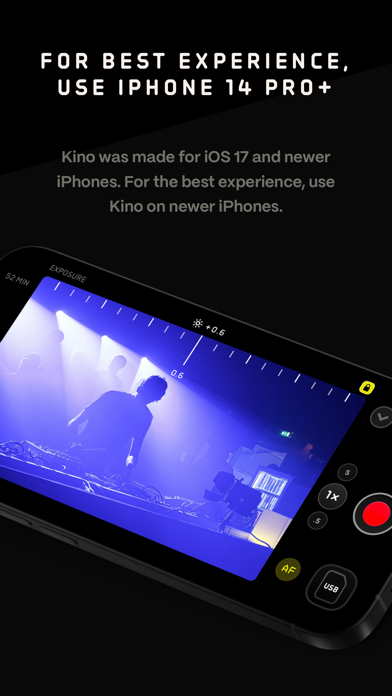
Once you successfully installed Kino app on your iPhone, open the app and you will see clean and simple interface. At first launch, Kino asks about your experience level – beginner or experienced filmmaker. Select your level and app will show recommended settings for you.
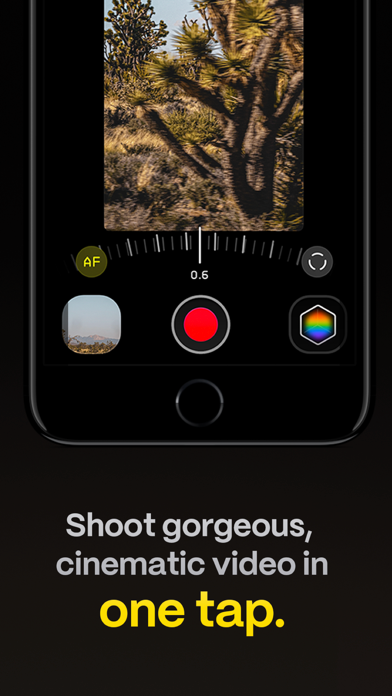
For beginners, just tap the red record button and start shooting. The app automatically handles exposure and applies cinematic motion with AutoMotion feature. You can select different color grades from bottom menu before recording to get different film looks instantly.
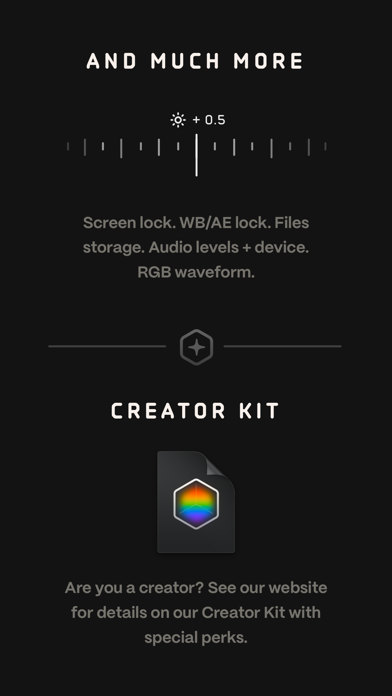
For advanced users, swipe up to access full manual controls. Here you can adjust shutter speed, ISO, white balance and focus manually. Enable focus peaking from settings to see which parts are in focus with colored highlights. Use RGB waveform to check if your exposure levels are correct.
No, Kino costs $9.99 on App Store, but you can download modified IPA version for free from trusted sources.
Currently Kino is only available for iPhone users with iOS 17+. Android version is not released yet.
Yes, Kino supports custom LUT imports for advanced color grading workflows.
Yes, if you download from trusted sources like ipaomtk and install using official methods, it’s completely safe.